Practical guides
Start a phone-free morning without blocking your whole day
Protect a small part of the morning and keep calls, maps and other essentials available.
The first thing you check in the morning can become the next twenty things you check. A phone-free start does not have to mean abandoning the phone. It can mean leaving a few feeds closed until you have done one thing you chose yourself.
Choose what comes first
Pick something concrete: breakfast, getting dressed, walking outside, or talking to someone at home. Keep it small enough for an ordinary morning. “A calm and productive day” is too broad to turn into a setting. “Breakfast before feeds” is clear.
Choose the boundary
If you wake at a fairly regular time, create a rule in RLX that keeps selected apps closed until the end of your chosen morning window. A scheduled rule follows the clock. It does not detect when you wake up. If your wake time varies, adjust the schedule to match your real routine.
- Open Protect and create a rule for the feeds you want to leave until later.
- Choose the apps in Apple's Screen Time picker.
- Set the time and the days when the rule should apply.
- Keep the essentials you need available through Always Allowed.
- Check the actual behavior during the active window.
Give the phone a place
If you usually pick it up before you are out of bed, put it somewhere that requires a deliberate movement. Keep an alarm arrangement that works for you. A boundary should support your morning, not make you worry about missing something necessary.
You can still use the phone for a specific task. Calling someone, checking transport or following directions is different from opening a feed without deciding to. Choose app-specific boundaries so that a useful phone task does not require undoing your whole setup.
Try it for a week
RLX already includes an experiment for a morning without the phone. An experiment is a reflection aid; the separate protection rule is what gives iOS a schedule to enforce. Keep that distinction clear when setting up your morning.
At the end of the week, ask whether the arrangement helped you do the thing you chose first. If breakfast felt less interrupted, that is something concrete to keep. If you kept needing a blocked app, revise the selection. You do not need a perfect streak.
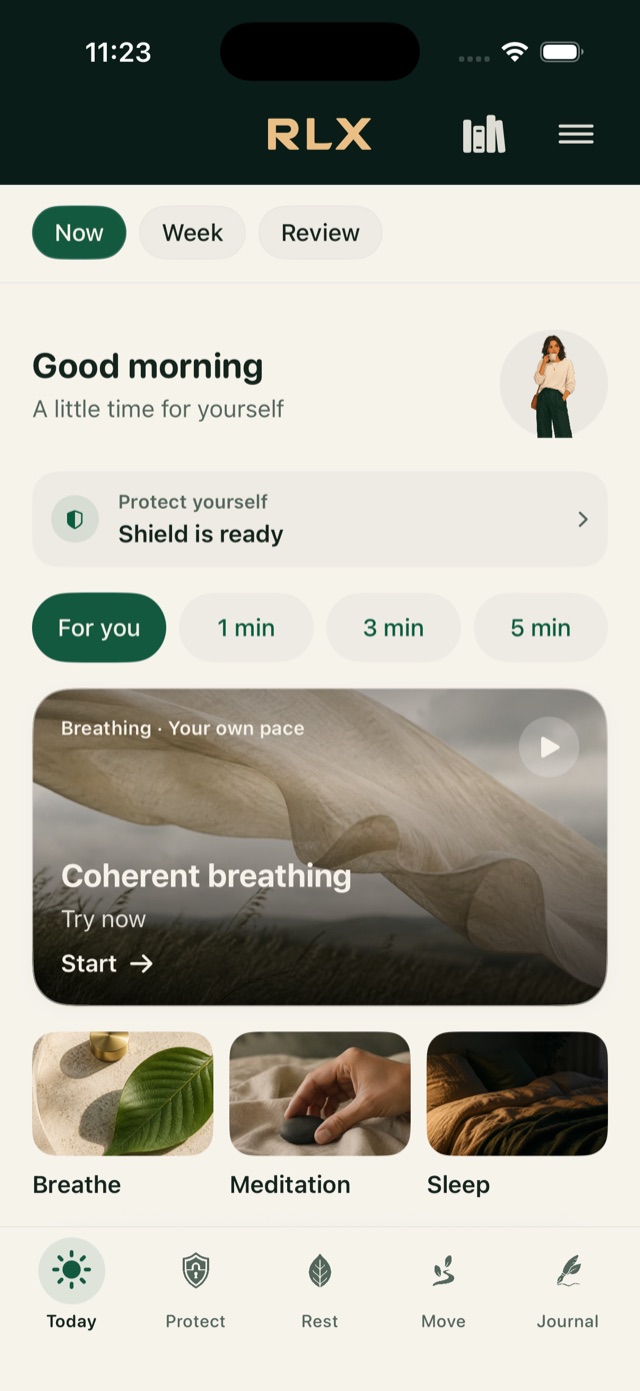
RLX offers app protection alongside short breathing, quiet and writing moments, without a subscription, account or advertising. Begin with the one feature that helps your morning. The rest can wait until you have a reason to use it.
Free. No account, subscription or advertising.